



Description
Product Overview
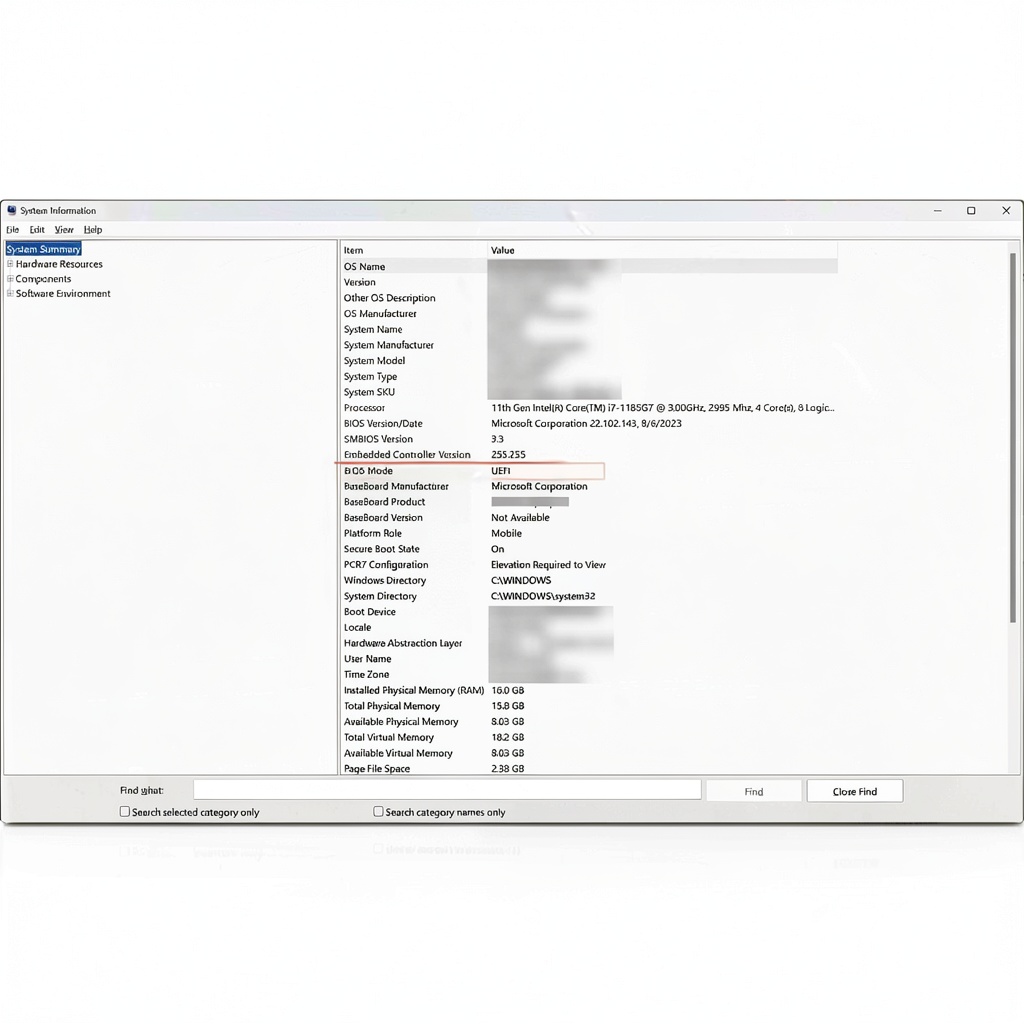
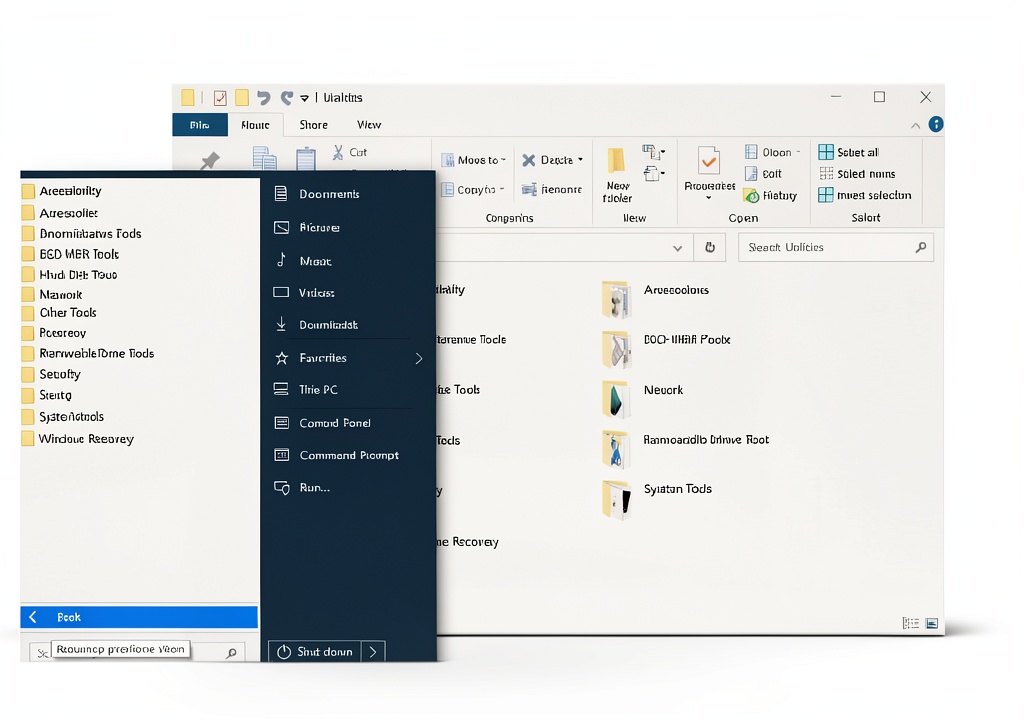
The Hirens Boot DVD x64 UEFI is engineered as a comprehensive, bootable toolkit that empowers users to address a wide range of hardware and software issues without relying on a functional operating system. Built on a 64‑bit UEFI‑compatible platform, the DVD delivers faster boot times and broader hardware support compared to legacy BIOS solutions. The utility suite includes disk partitioning tools that allow you to resize, create, and delete partitions safely, as the same time data recovery utilities that can scan corrupted volumes and retrieve lost files. Imaging and cloning capabilities enable you to create exact copies of entire drives, facilitating migrations, backups, and disaster recovery scenarios. Hard‑drive diagnostic modules test SMART attributes, surface errors, and overall health, while optimization tools clean temporary files, fix registry errors, and improve system performance. All tools are pre‑loaded on a single DVD, eliminating the need for multiple downloads and ensuring that you have a ready‑to‑use solution in any emergency.
![[Product front view showing all components]](https://www.newhubs.store/wp-content/uploads/2026/07/d2b9b729c914438094e22788f9a95330.jpg)
Usage
Designed for both professional technicians and end‑users, the Hirens Boot DVD can be employed in a variety of real‑world environments. In a corporate IT department, administrators can use the DVD to quickly diagnose failing workstations, recover critical data, and deploy standardized images across multiple machines. Home users facing a corrupted Windows installation can boot from the DVD to repair boot sectors, recover personal documents, or clone a healthy drive before attempting a clean install. The tool is equally valuable in educational settings, where students learning about system internals can experiment with partitioning, file system recovery, and hardware diagnostics in a safe, isolated environment. Because the DVD operates independently of the installed OS, it works on systems that are unable to start Windows, making it an essential component of any emergency response kit.
Why Choose Us
When selecting a bootable utility, reliability, breadth of features, and ease of use are paramount. Hirens Boot DVD stands out by offering a curated collection of industry‑standard tools that have been vetted by computer repair professionals worldwide. The DVD’s UEFI compatibility ensures that it works on modern hardware while retaining backward compatibility with legacy BIOS systems, providing a universal solution for diverse device fleets. Each utility is accompanied by clear, printed installation instructions and a PDF guide that lists all available tools, reducing the learning curve for new users. The product is manufactured to high physical standards, with a durable case that protects the disc from scratches and environmental damage. Additionally, the company provides responsive after‑sales support, offering troubleshooting assistance and updates to keep the toolset current with emerging Windows versions. This combination of comprehensive functionality, robust build quality, and dedicated customer service makes the Hirens Boot DVD a trustworthy choice for anyone who needs to maintain, repair, or recover a PC.
Key Features
- Bootable UEFI and BIOS compatible DVD that works on all modern and legacy PCs.
- All‑in‑one suite includes partitioning, data recovery, imaging, and diagnostics tools.
- Simple step‑by‑step guides reduce setup time and eliminate guesswork for users.
- Optimized for speed and reliability, ensuring quick access to critical utilities.
- Responsive customer support and regular updates keep the toolkit current.
FAQ
Can the DVD be used on a computer that does not support UEFI?
Yes. The Hirens Boot DVD includes both UEFI and legacy BIOS boot options, allowing it to start on any PC regardless of the firmware type. The boot menu automatically detects the appropriate mode and launches the compatible environment.
Do I need an internet connection to run the tools?
No. All utilities are stored locally on the DVD, so you can perform repairs, recover data, and create images without any network access. An internet connection is only required if you choose to download additional drivers or updates after the initial boot.
Is the data recovery tool safe for sensitive information?
The recovery utility operates in read‑only mode by default, ensuring that original files are not overwritten during the scanning process. It also offers options to securely delete recovered files if you need to protect confidential data.
How often are the tools updated to support new Windows releases?
The development team releases updates periodically, typically aligned with major Windows updates. Users can download the latest version from the official website and create a new bootable DVD or USB media to stay current.
Can I create a bootable USB version instead of using a DVD?
Absolutely. While the product ships as a DVD, the same ISO image can be written to a USB flash drive using standard tools such as Rufus or the built‑in Windows USB/DVD download tool, providing a faster and more portable solution.
Reviews
There are no reviews yet.