











Description
Product Overview
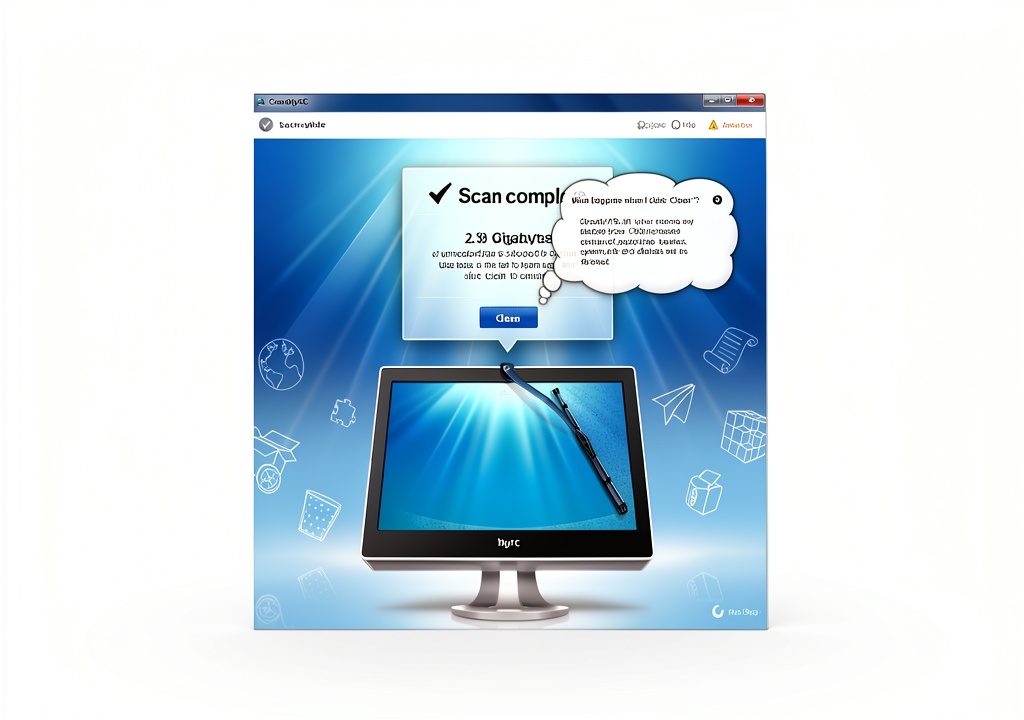
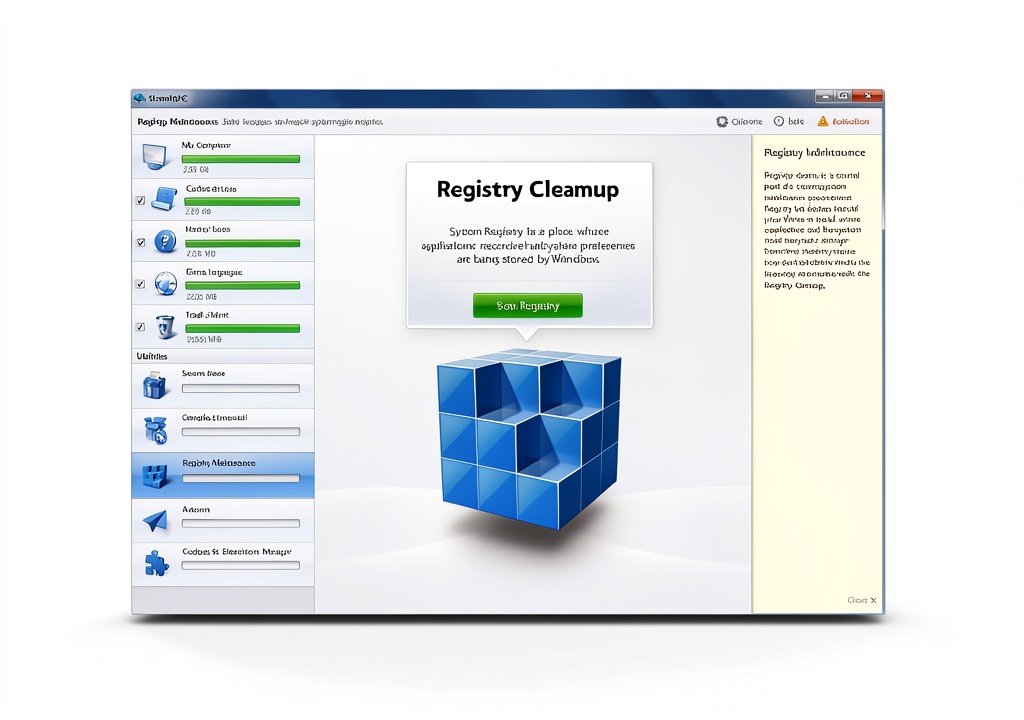
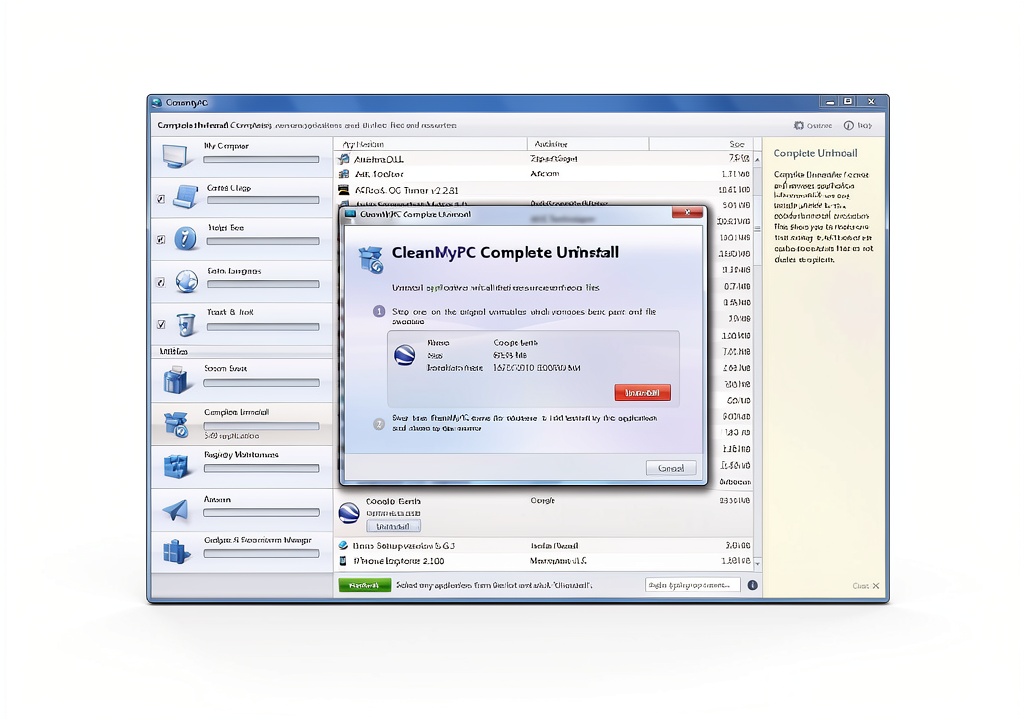
CleanMyPC by MacPaw is a comprehensive PC maintenance software designed to keep Windows computers running smoothly and efficiently. It combines a powerful cleaning engine with an intuitive interface, allowing users of any skill level to quickly identify and eliminate unnecessary files, temporary data, and other digital clutter that slows down system performance. The software scans for duplicate files, large caches, and obsolete system components, then offers safe removal options that protect essential operating system files.
The underlying technology of CleanMyPC utilizes advanced algorithms that prioritize speed without sacrificing accuracy. During a scan, the program categorizes items by type, size, and impact on system resources, presenting clear visual reports that help users understand where the most significant performance gains can be achieved. By leveraging multi‑threaded processing, CleanMyPC completes scans in a fraction of the time required by competing tools, making it suitable for both quick clean‑ups and deep system optimizations.
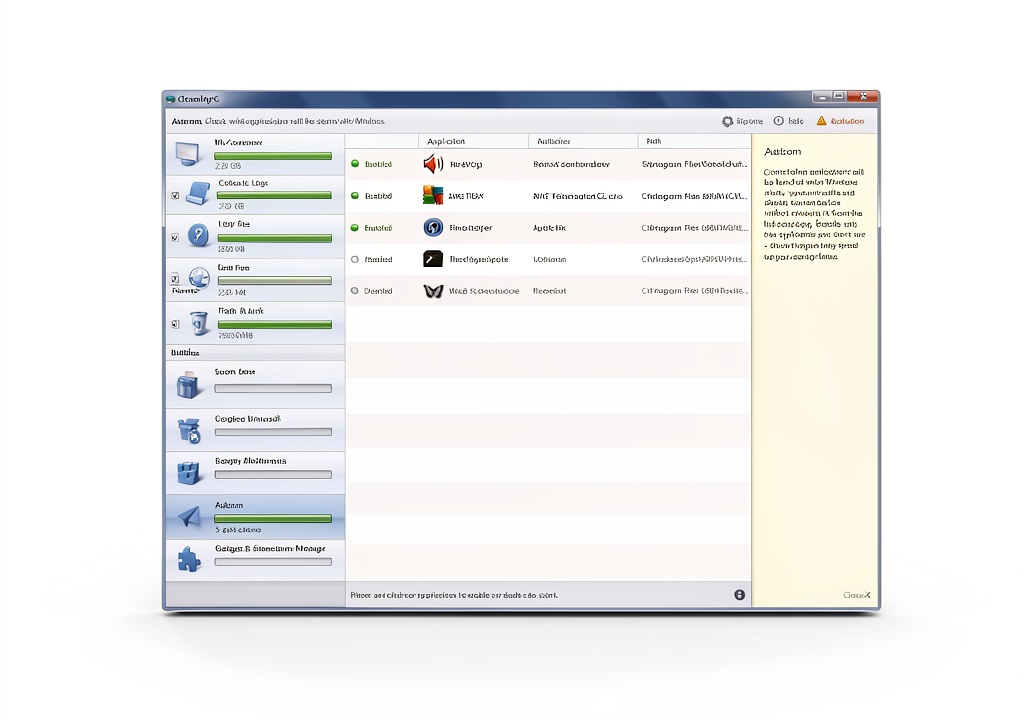
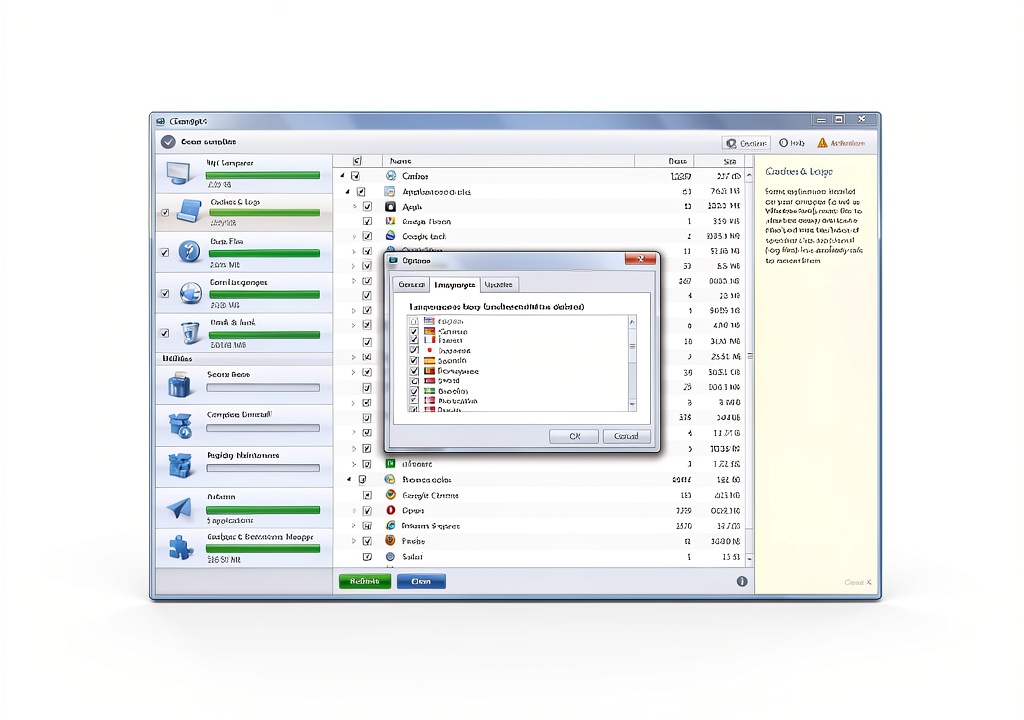
User experience is at the core of CleanMyPC’s design. The one‑click cleanup feature enables users to launch a full system scan and automatically apply recommended optimizations with a single button press. For those who prefer more control, the software provides detailed settings that let users customize which areas to scan, schedule regular maintenance tasks, and exclude specific files or folders from cleaning operations. The clean, modern UI presents results in easy‑to‑read charts and progress bars, ensuring that even novice users feel confident navigating the tool.
Compatibility is broad, supporting all recent versions of Windows from Windows 7 through Windows 11, and it works seamlessly on both 32‑bit and 64‑bit architectures. System requirements are modest, with a minimum of 2 GB RAM and 500 MB of free disk space for installation, allowing the program to run on older machines without impacting daily usage. CleanMyPC also integrates with Windows Explorer, providing quick access to cleaning functions directly from the context menu.
![[Product front view showing all components]](https://www.newhubs.store/wp-content/uploads/2026/06/f0a811faec5f4d04a3c87e03796e72f8.jpg)
Usage
Home users will find CleanMyPC invaluable for maintaining personal laptops and desktops that accumulate years of browsing history, software installers, and media caches. By running a weekly cleanup, families can ensure that shared computers remain responsive for homework, entertainment, and video calls, reducing frustration caused by sluggish performance.
In office environments, IT administrators can deploy CleanMyPC across multiple workstations to enforce consistent maintenance standards. The software’s scheduling capabilities allow automatic scans during off‑hours, minimizing disruption while keeping employee machines free of unnecessary files that could pose security risks or consume valuable storage.
Gamers and creative professionals benefit from the performance‑boosting features that free up RAM and reduce load times for demanding applications. By removing leftover game files, temporary render caches, and unused plugins, CleanMyPC helps maintain high frame rates and smooth workflow without the need for constant manual intervention.
Why Choose Us
MacPaw has built a reputation for delivering reliable, user‑centric software solutions for over a decade. CleanMyPC reflects the company’s commitment to quality, offering a polished product that undergoes rigorous testing before each release. The development team continuously updates the software to address emerging Windows updates, ensuring compatibility and optimal performance over time.
Safety is a paramount concern. CleanMyPC includes a built‑in backup system that creates restore points before any changes are made, allowing users to revert to a previous state if an unintended file is removed. The program also respects user privacy by performing all scans locally, without transmitting data to external servers, which aligns with best practices for data security.
Customer support is available through multiple channels, including a comprehensive knowledge base, email assistance, and community forums where users can share tips and solutions. MacPaw’s support team responds promptly to inquiries, providing personalized guidance for complex issues and ensuring a smooth experience from installation through ongoing use.
Key Features
- One‑click cleanup that automatically removes junk files, freeing up valuable disk space and speeding up system performance.
- Advanced scanning engine that identifies duplicate, large, and obsolete files while protecting essential system components.
- Customizable scheduling for regular maintenance tasks, allowing automatic scans during off‑peak hours.
- Built‑in backup and restore points ensure safe cleaning, giving users confidence to remove unwanted data.
- Responsive customer support and regular updates from MacPaw keep the software reliable and compatible with the latest Windows versions.
FAQ
Can CleanMyPC be used on Windows 10 Home edition?
Yes, CleanMyPC is fully compatible with Windows 10 Home, as well as Pro, Enterprise, and the newer Windows 11 editions. The software detects the operating system automatically and adjusts its scanning parameters to ensure optimal performance on each version.
Will CleanMyPC delete important personal files?
CleanMyPC includes safety mechanisms that prevent the removal of critical system files. It also creates restore points before any deletions, allowing you to recover files if needed. The program only suggests removing files that are identified as unnecessary or duplicate, and you retain full control over the final decision.
How often should I run a full scan with CleanMyPC?
For most users, a weekly full scan provides a good balance between maintaining performance and minimizing resource usage. If you frequently install and uninstall software or work with large media files, you may choose to run scans more often, such as every few days, using the scheduled task feature.
Is there a free trial available?
Yes, MacPaw offers a 14‑day free trial of CleanMyPC, giving you full access to all features. This trial period allows you to evaluate the software’s impact on your system before deciding to purchase the full license.







 System Mechanic Ultimate Defense Antivirus by iolo PC Maintenance
  Terviiix 24K Titanium Hair Crimping Iron TXB014W 1.5 Inch Wide Plates
  Windows 11 Pro 64-bit Recovery DVD USB Combo Generic Restore Support
Reviews
There are no reviews yet.