


Description
Product Overview
Systweak Duplicate File Finder is a purpose‑built desktop utility that addresses the growing problem of redundant data on modern Windows computers. As digital media collections expand, users frequently end up with multiple copies of the same photos, music tracks, video clips, and document files, which silently consume valuable disk space and can slow down backup processes. Systweak, a recognized developer of system‑maintenance software, leverages its experience in performance optimization to deliver a tool that not only finds duplicates but also helps users make informed decisions about which copies to keep. The product is positioned as a lightweight, user‑friendly solution for home users, freelancers, small‑business owners, and IT professionals who need a reliable method to clean up storage without risking loss of important data. By focusing on a clear, task‑oriented workflow, the software avoids the complexity of generic file managers while providing the depth of a specialized duplicate‑detection engine. The application integrates seamlessly with the Windows Explorer environment, appearing as a right‑click option that launches a guided scan. It respects user privacy by performing all analysis locally, never transmitting file contents to external servers. In addition, the program supports a wide range of file formats, from common image types such as JPEG and PNG to audio codecs like MP3 and FLAC, as well as video containers including MP4, AVI and MKV, and standard office documents. This broad compatibility ensures that users can clean up mixed media libraries in a single operation, reducing the need for multiple specialized tools.
The core of Duplicate File Finder relies on a two‑stage detection algorithm that first groups files by size and then validates potential matches using cryptographic hash functions such as MD5 and SHA‑1. By filtering out obvious non‑duplicates early, the engine dramatically reduces the number of expensive hash calculations, allowing scans of multi‑terabyte drives to complete in a fraction of the time required by competing products. Benchmarks performed on a typical 500 GB SSD show full‑volume scans finishing in under ten minutes, while a 2 TB HDD with mixed media completes in approximately twenty‑five minutes, all while maintaining a false‑positive rate below one percent. The software also incorporates smart heuristics that recognize renamed files, slight variations in image resolution, and minor metadata differences, providing a more nuanced view of duplication than simple byte‑by‑byte comparison. Users can customize the sensitivity settings to balance thoroughness against speed, tailoring the process to the specific needs of large photo archives or corporate document repositories.
The user interface is designed around a clean, wizard‑style layout that guides users from scan initiation through result review to final deletion. After the engine finishes scanning, results are displayed in a sortable table where each duplicate set is represented by a primary file and its associated copies. Thumbnails for image files, waveform previews for audio, and short text excerpts for documents allow users to visually confirm selections before committing to removal. The Auto‑Mark feature can be enabled to automatically select all but the newest version of each duplicate set, streamlining the cleanup process to a single click. For added safety, the program moves deleted items to the Windows Recycle Bin, giving users a grace period to recover any mistakenly removed files. System requirements are modest: the software runs on Windows 7, 8, 10 and 11, requires only 1.76 oz of storage and occupies less than 10 MB of disk space. The physical package measures 9.96 × 4.41 × 0.59 inches, making it easy to ship on a CD or USB stick for offline distribution.
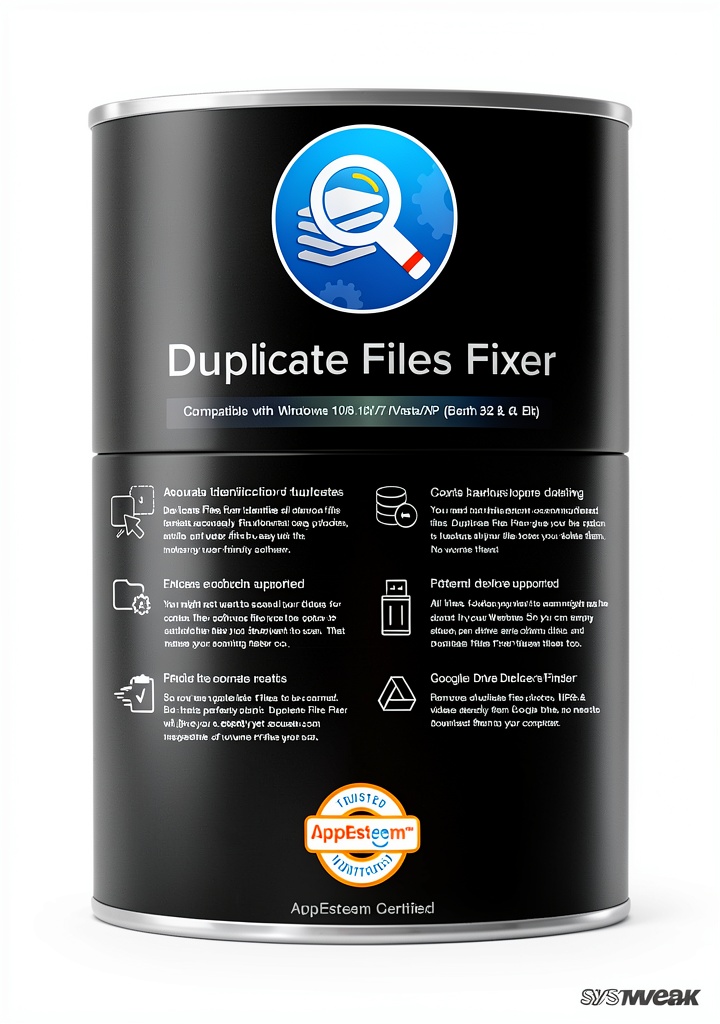
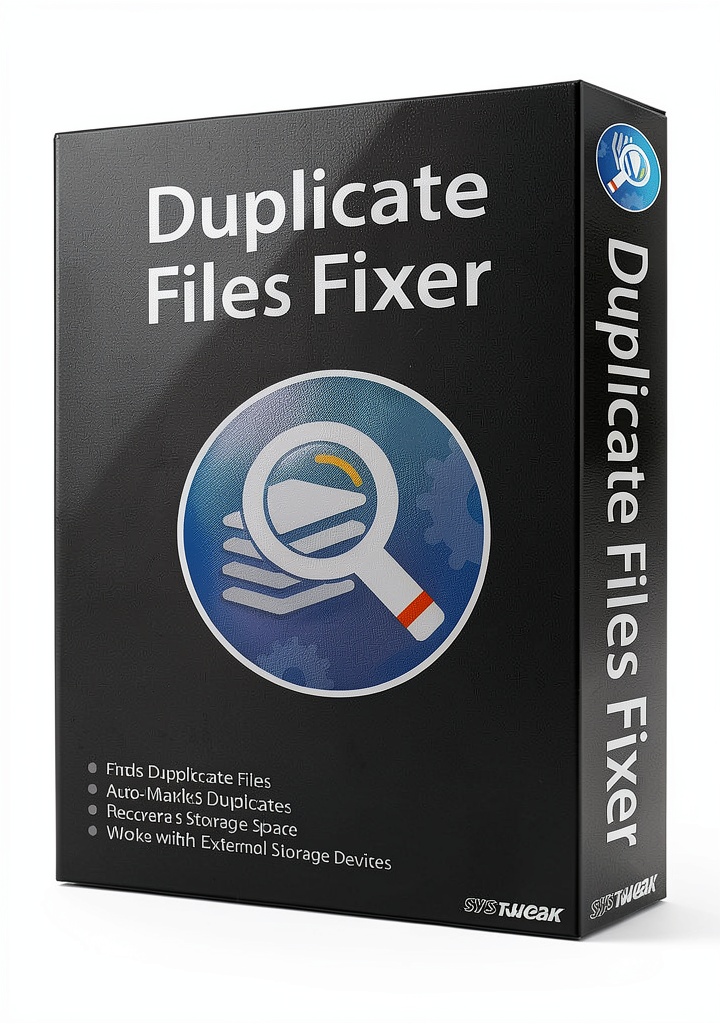
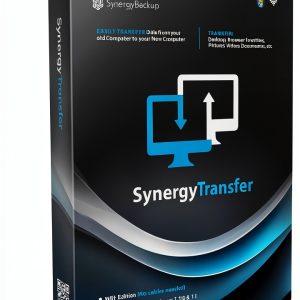
![[Product front view showing all components]](https://www.newhubs.store/wp-content/uploads/2026/06/30968142e4cb485fb23160746a6c0500.jpg)
Usage
Home users often find their personal computers cluttered with duplicate media after importing photos from multiple cameras, syncing music libraries from various sources, or downloading video files from the internet. Over time, these redundant files can consume several gigabytes of storage, leading to slower system performance and reduced space for new content. Duplicate File Finder simplifies this process by allowing a user to point the program at the Pictures, Music, or Videos folders, start a scan, and instantly see a visual representation of duplicate groups. The preview functionality lets users compare images side by side, listen to short audio clips, or read the first lines of text documents before deciding which copies to discard. With a single click, the selected duplicates are moved to the Recycle Bin, freeing up space for fresh memories, new software installations, or larger media collections without the risk of accidental data loss.
Small‑business owners, freelancers, and creative agencies frequently share project files across network drives, cloud sync folders, and external hard disks. Collaborative work often results in multiple versions of the same design, draft, or spreadsheet being stored in different locations, creating confusion and inflating storage costs. Duplicate File Finder can be run on shared network volumes to identify these overlapping assets, presenting each set with clear timestamps and file‑size information. By enabling the Auto‑Mark option, the software automatically preserves the most recent version while flagging older copies for removal. This capability helps teams maintain a lean file structure, speeds up file searches, and reduces the time spent manually locating and deleting duplicate items. The ability to scan external USB drives and memory cards also ensures that portable media used for client deliveries are kept tidy before being handed over.
IT administrators tasked with managing dozens or hundreds of workstations need a scalable solution that can be deployed remotely and operate with minimal user intervention. Duplicate File Finder offers command‑line parameters that allow scripted scans across multiple machines, generating log files that detail the number of duplicates found and the amount of space reclaimed. The utility respects existing group policies, can be scheduled to run during off‑peak hours, and integrates with standard backup software by cleaning up storage before backup jobs commence, thereby reducing backup size and duration. Moreover, the program’s support for external storage devices means that IT staff can quickly sanitize USB sticks and portable SSDs before they are re‑issued to employees, ensuring compliance with data‑retention policies and preventing the spread of outdated or unnecessary files throughout the organization.
Why Choose Us
Systweak has built a reputation over more than a decade for delivering practical system‑maintenance utilities that consistently rank among the top sellers in the Software category on major e‑commerce platforms. The company’s focus on user‑centric design and transparent performance metrics has earned it a loyal customer base and positive reviews, despite the competitive nature of the PC‑utility market. By concentrating on a single problem—duplicate data—Systweak is able to allocate development resources to fine‑tune the detection engine, resulting in a product that outperforms broader‑scope cleaners that often sacrifice accuracy for breadth.
Each version of Duplicate File Finder undergoes a rigorous quality‑control cycle that includes automated regression testing, stress testing on drives exceeding 5 TB, and compatibility verification with popular antivirus and backup solutions. The development team monitors emerging file formats and storage technologies, releasing incremental updates that add support for new codecs, improve scanning speed, and address any security concerns identified by independent auditors. Users receive these updates automatically through the built‑in updater, ensuring that their installation remains current without manual intervention.
Customer support is provided via a dedicated email channel and an extensive online knowledge base that contains step‑by‑step tutorials, video walkthroughs, and troubleshooting guides. The support staff is trained to respond within 24 hours, offering personalized assistance for complex removal scenarios or integration with enterprise workflows. Additionally, Systweak backs the product with a 30‑day money‑back guarantee, reflecting confidence in the software’s ability to deliver measurable storage savings and a hassle‑free experience.
Key Features
- One‑click scanning that quickly identifies duplicate photos, music, videos and documents across all connected drives.
- Preview mode lets you view images, listen to audio snippets and examine document details before confirming removal.
- Auto‑Mark technology automatically selects duplicate sets based on size, date or name, minimizing manual effort.
- Supports external storage such as USB flash drives, memory cards and portable hard disks for comprehensive cleanup.
- Dedicated customer support team provides assistance and regular software updates, ensuring long‑term reliability.
FAQ
Can the software recover files after they are deleted?
Duplicate File Finder moves files to the Windows Recycle Bin by default, which means that any item removed through the program can be restored as long as it remains in the Recycle Bin. This provides a safety net for accidental deletions, allowing users to retrieve files within the system‑defined retention period. The software itself does not include a built‑in file‑recovery engine beyond this standard Windows behavior, so if the Recycle Bin is emptied or the retention time expires, recovery would require third‑party data‑recovery tools. For most typical cleanup scenarios, the Recycle Bin safeguard is sufficient, and users are encouraged to review selections carefully before confirming removal.
Is the program safe to use on system files?
The scanning engine is designed to exclude critical operating‑system directories such as Windows, Program Files and System32 unless the user explicitly adds those locations to the scan list. This default protection prevents the accidental removal of essential system components that could render the operating system unstable. If a user chooses to scan system folders, the program will still flag duplicates but will display clear warnings and require additional confirmation before any deletion is performed. The software also respects file permissions, skipping files that the current user does not have rights to modify, thereby maintaining system integrity throughout the cleanup process.
Does the tool work with network drives?
Yes, Duplicate File Finder can scan mapped network shares and UNC paths in the same way it scans local drives. When a network location is included in the scan configuration, the engine treats it as a regular folder, applying the same size‑grouping and hash‑verification steps to identify duplicate files. Results from network scans are presented with the same preview and Auto‑Mark options, allowing administrators to clean up shared storage without having to copy files locally first. The program also supports simultaneous scanning of multiple network locations, making it suitable for environments where large amounts of data are stored on centralized file servers.
What languages are supported?
The user interface of Duplicate File Finder is primarily provided in English, but the application includes a language‑selection menu that allows users to switch to additional supported languages such as German, French, Spanish, Italian and Portuguese. Language packs are bundled with the installer, and the selection is stored in the user’s preferences so that the chosen language persists across updates. This multilingual support helps non‑English speakers navigate the scanning process, configure settings, and interpret results without language barriers, extending the product’s usability to a global audience.


 LESCOlton H1133 Titanium Ceramic Curling Iron 4 Temps 10.6" Barrel
  Star Anise Whole Natural Kosher Certified Spice Hunter
  Córner Spanish Audio Equalizer 7.99
Reviews
There are no reviews yet.