






Description
Product Overview
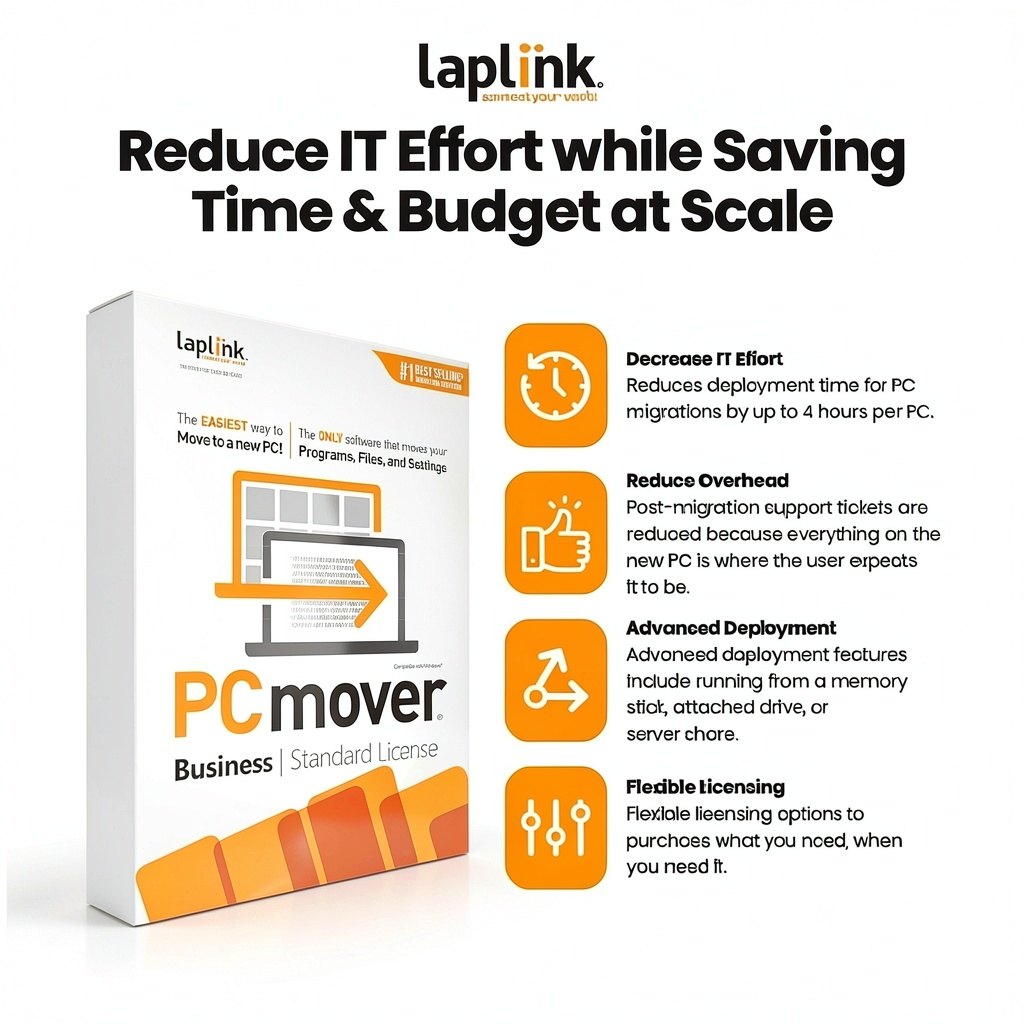
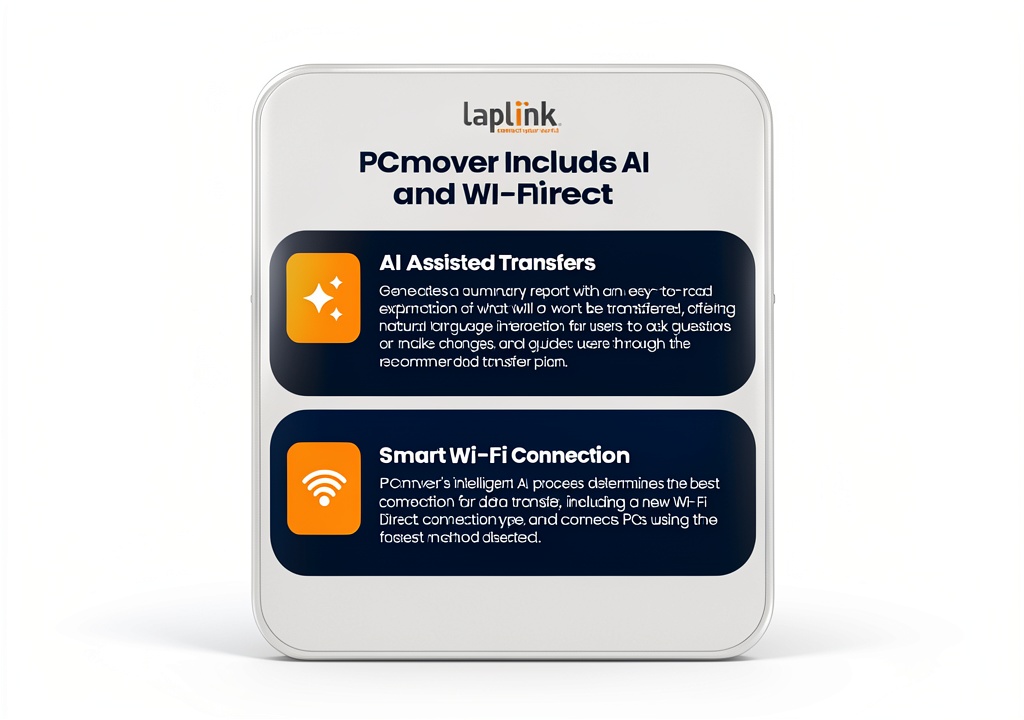
PCmover Business is a professional-grade migration solution designed by Laplink Software to move complete user environments—including profiles, settings, applications, and data—from old workstations to brand‑new PCs with absolute precision. The tool operates as a lightweight PC download that can be launched from a memory stick, a network share, or directly from the host computer, eliminating the need for complex hardware setups. By automating the transfer of every user‑specific element, PCmover Business removes the manual steps that typically cause errors, data loss, or prolonged downtime. The software supports all recent Windows operating systems, integrates with Active Directory for seamless user authentication, and respects existing security policies, ensuring that transferred data remains encrypted and compliant throughout the process. Its single‑use licensing model provides flexibility for organizations that require occasional migrations, while bulk‑use SKUs are available for larger enterprises. The product’s core differentiators include a proven track record of reducing deployment time by several hours per workstation, a built‑in verification engine that confirms successful migration, and a user‑friendly interface that empowers end‑users to initiate transfers without IT intervention. In addition, PCmover Business offers comprehensive logging and reporting features, allowing administrators to audit each migration, track performance metrics, and quickly resolve any issues that may arise. The solution is backed by Laplink’s 25‑year legacy of software reliability, and it comes with dedicated technical support, regular updates, and a satisfaction guarantee that underscores the company’s confidence in the product’s ability to meet demanding corporate migration scenarios.
![[Product front view showing all components]](https://www.newhubs.store/wp-content/uploads/2026/07/e573a6e393ad4722803ead098e7292df.jpg)
Usage
PCmover Business excels in a variety of real‑world environments where rapid, error‑free PC provisioning is critical. In a typical corporate office move, IT staff can deploy the software to a central server and push it to all workstations slated for replacement, allowing each employee to start the migration with a single click. The tool is equally effective for remote workers who receive new hardware via mail; they simply run the downloaded installer from a USB drive, and the software automatically retrieves the user’s profile from the corporate network, ensuring a seamless transition without the need for on‑site assistance. For managed service providers, PCmover Business offers a scalable solution that can be integrated into existing service tickets, enabling technicians to complete migrations during scheduled maintenance windows while minimizing disruption to end‑users. The product also supports multi‑site rollouts, where large enterprises with geographically dispersed offices can standardize the migration process across all locations, guaranteeing consistent results and reducing the overhead associated with training local staff. Additionally, the software’s ability to run from a memory stick makes it ideal for environments with limited network bandwidth, as the entire migration package can be executed offline, preserving bandwidth for other critical business applications. Whether the goal is to upgrade hardware, consolidate legacy systems, or standardize operating environments, PCmover Business provides a reliable, repeatable method that aligns with modern IT governance and compliance requirements.
Why Choose Us
Choosing PCmover Business means partnering with a company that has spent more than two decades perfecting PC migration technology. Laplink’s reputation for delivering robust, user‑centric utilities is reflected in the product’s high customer rating of 4.4 stars and its position as a top‑ranked item in the PC Maintenance category on major e‑commerce platforms. The solution’s architecture is built on proven, low‑overhead code that runs efficiently on a wide range of hardware configurations, ensuring that even older machines can be prepared for the migration without performance degradation. Laplink provides a dedicated support team that offers phone, email, and remote assistance, guaranteeing that any issues encountered during the migration process are resolved quickly and professionally. Regular software updates keep the product compatible with the latest Windows releases and security patches, while the built‑in verification engine validates each transfer, giving administrators confidence that every file, setting, and application has been accurately replicated. The company also offers comprehensive documentation, video tutorials, and best‑practice guides that empower IT departments to maximize the value of the tool. Moreover, the licensing flexibility—ranging from single‑use to bulk‑purchase options—allows organizations to align costs with actual migration needs, avoiding unnecessary expense. In short, PCmover Business combines industry‑leading technology, exceptional customer service, and a cost‑effective licensing model to deliver a migration experience that is both reliable and scalable.
Key Features
- Automated transfer of complete user profiles, settings, applications, and data, eliminating manual copy‑and‑paste steps and reducing human error.
- Runs from a USB stick or network share, providing flexibility for on‑site, remote, or offline migrations without requiring additional hardware.
- Built‑in verification engine that confirms successful migration of every file and setting, giving IT staff confidence in the outcome.
- Compatibility with all recent Windows versions and integration with Active Directory for seamless authentication and policy compliance.
- Dedicated Laplink technical support and regular updates, ensuring reliable performance and quick resolution of any issues.
FAQ
Can PCmover Business migrate installed applications as well as user data?
Yes, the software is designed to move not only user files and settings but also the applications that are installed for each user. It captures the necessary registry entries, program files, and configuration data, ensuring that the applications function exactly as they did on the source PC after the migration.
Is the migration process safe for sensitive corporate data?
PCmover Business adheres to strict security standards. All data transferred during the migration is encrypted in transit, and the tool respects existing security policies on both the source and destination machines. Additionally, the verification step validates that no data is lost or corrupted, providing an extra layer of assurance for compliance‑focused organizations.
What kind of support is available if I encounter an issue during migration?
Laplink offers a comprehensive support package that includes phone, email, and remote assistance. Users can also access an extensive knowledge base, step‑by‑step video tutorials, and detailed documentation. For licensed customers, priority support ensures that any critical issues are addressed promptly, minimizing downtime.
Can I use PCmover Business for multiple migrations without purchasing additional licenses?
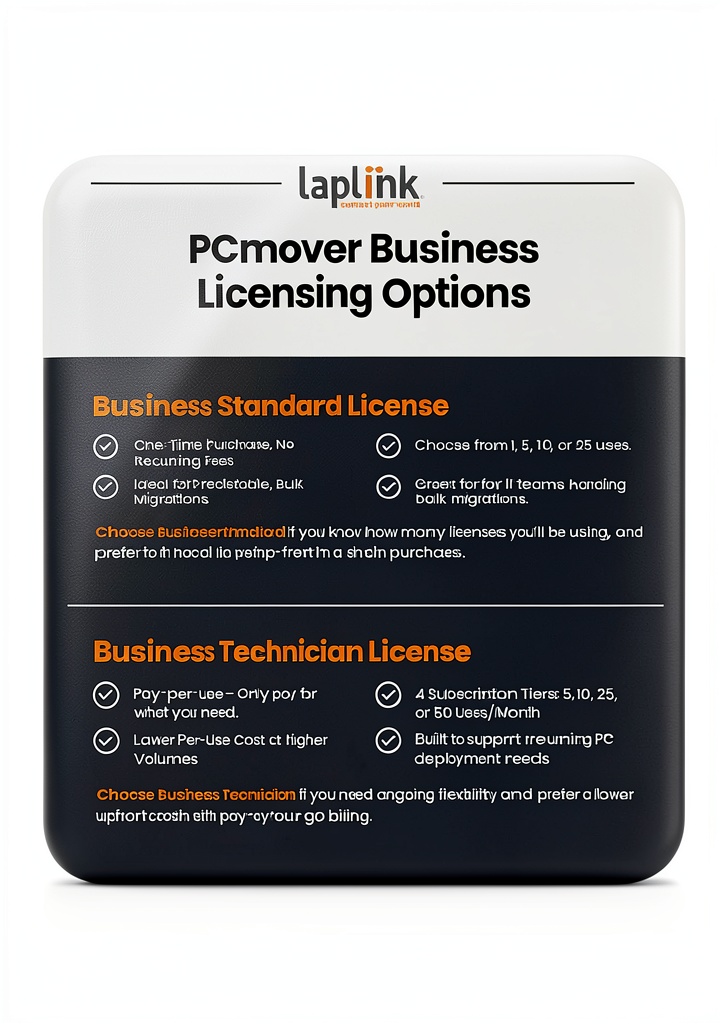
The product is sold in single‑use and bulk‑use SKUs. A single‑use license allows one migration, while bulk packages (5, 10, or 25 uses) provide the flexibility to perform multiple migrations under a single purchase, making it cost‑effective for larger rollout projects.
Does PCmover Business work with virtual machines and cloud‑based desktops?
Yes, the tool supports migration to and from virtual environments, including Hyper‑V and VMware, as well as cloud‑based desktop services. It can capture the complete user environment within a virtual machine and transfer it to a physical PC or another virtual instance, ensuring continuity across hybrid IT infrastructures.

Reviews
There are no reviews yet.