


Description
Product Overview
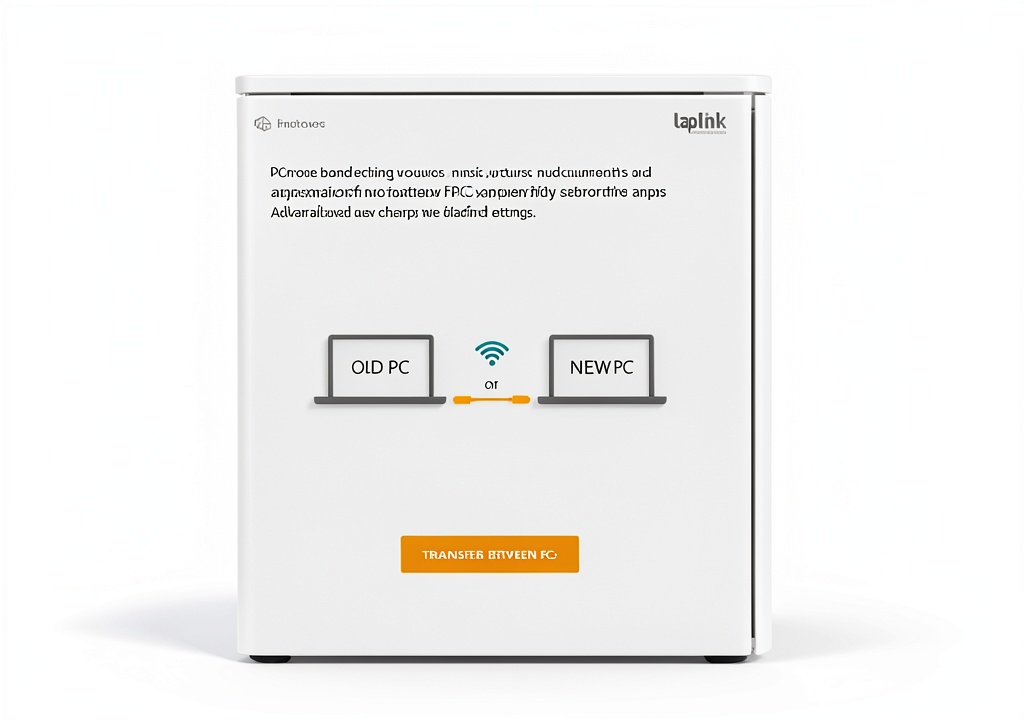
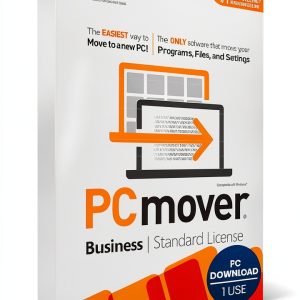
PCmover Home 11 is a dedicated migration utility developed by Laplink Software, designed to streamline the process of moving your entire digital environment from an older Windows PC to a brand‑new system. The software operates as a lightweight installer that runs on both source and destination computers, establishing a secure, high‑speed connection that can leverage local network, Ethernet, or direct Wi‑Fi links depending on which method provides the fastest transfer rate. Compatibility spans Windows 10, Windows 11, and earlier supported versions, ensuring that users with a wide range of legacy hardware can benefit from the same seamless experience. The program automatically detects installed applications, user profiles, documents, photos, music, and even custom settings such as desktop configurations, printer preferences, and email accounts, then replicates them on the target machine with minimal user intervention.
![[Product front view showing all components]](https://www.newhubs.store/wp-content/uploads/2026/07/50a85d90dfcb4a529facf0202f511928.jpg)
Usage
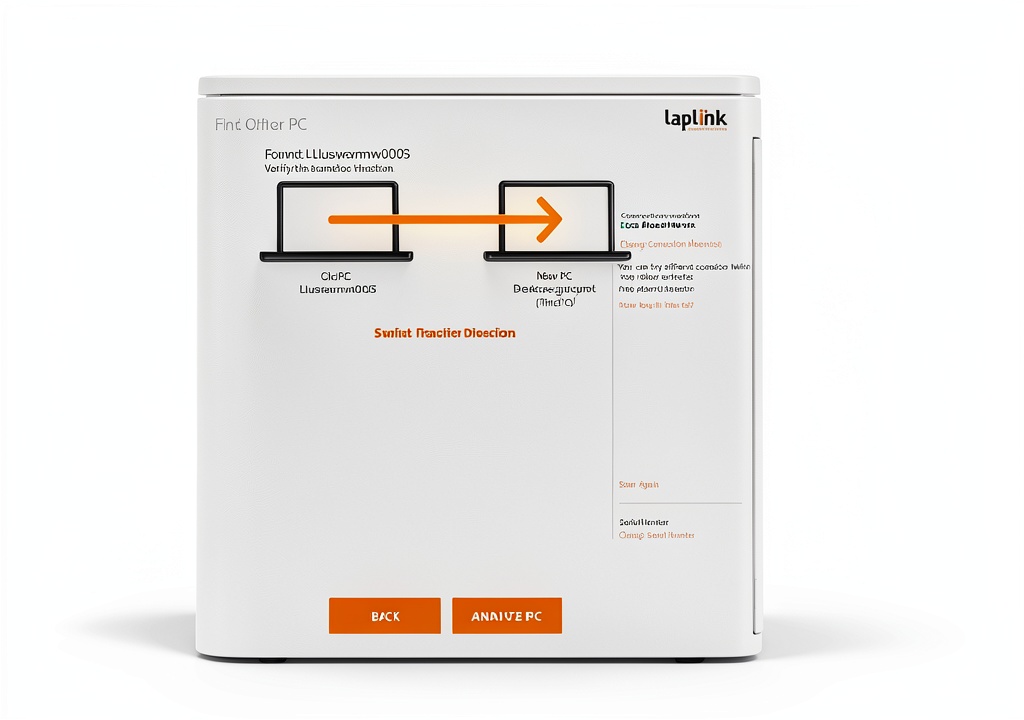
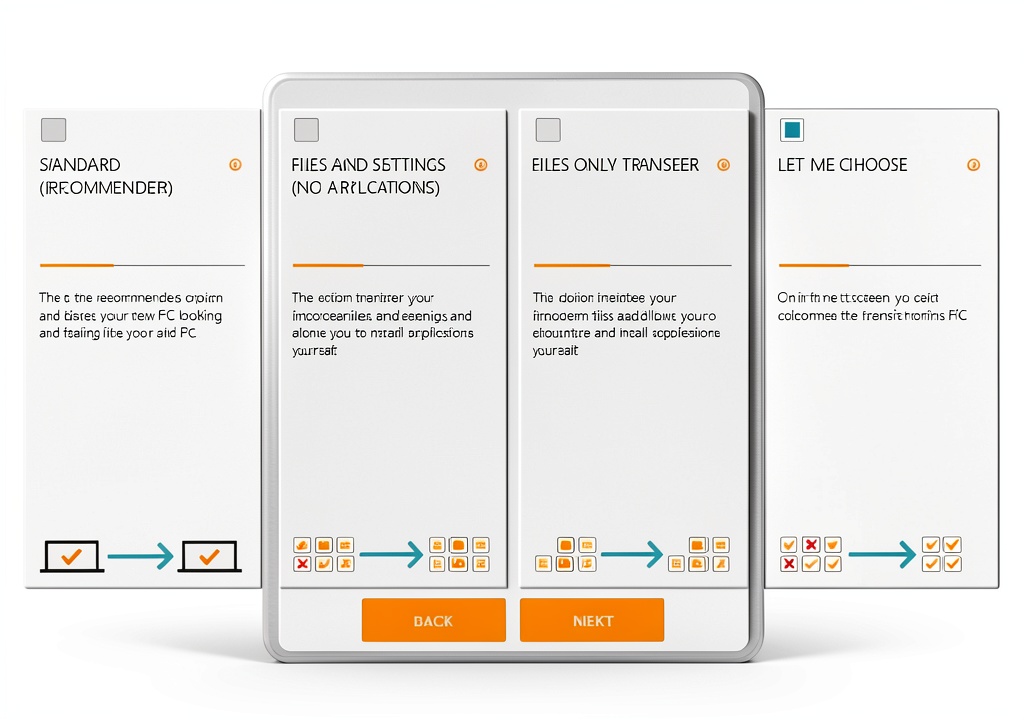
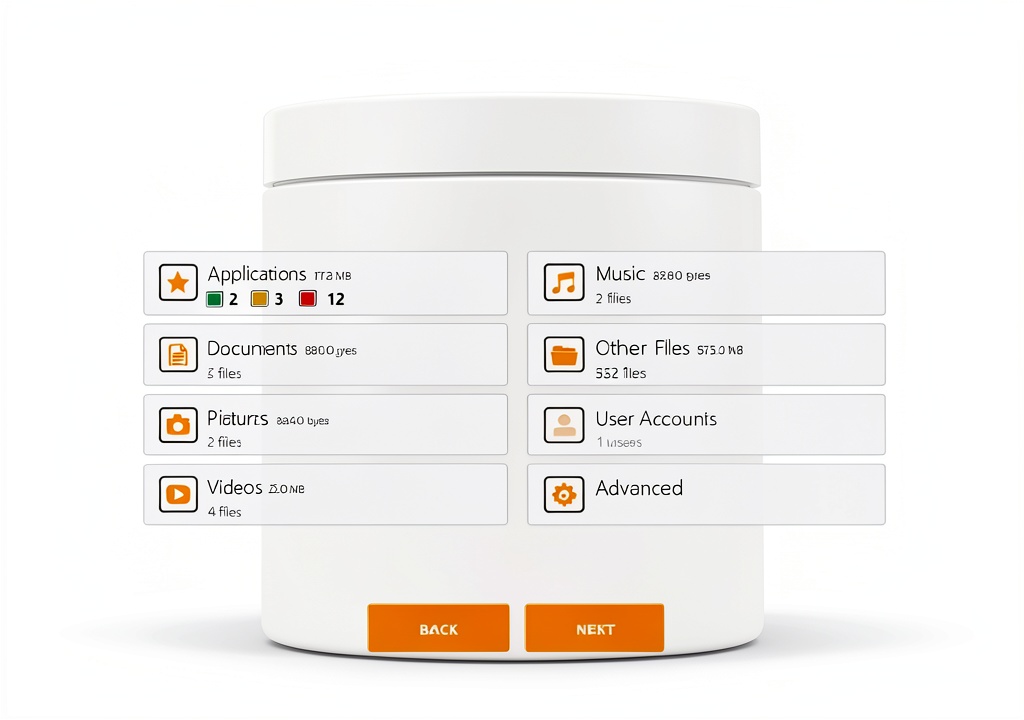
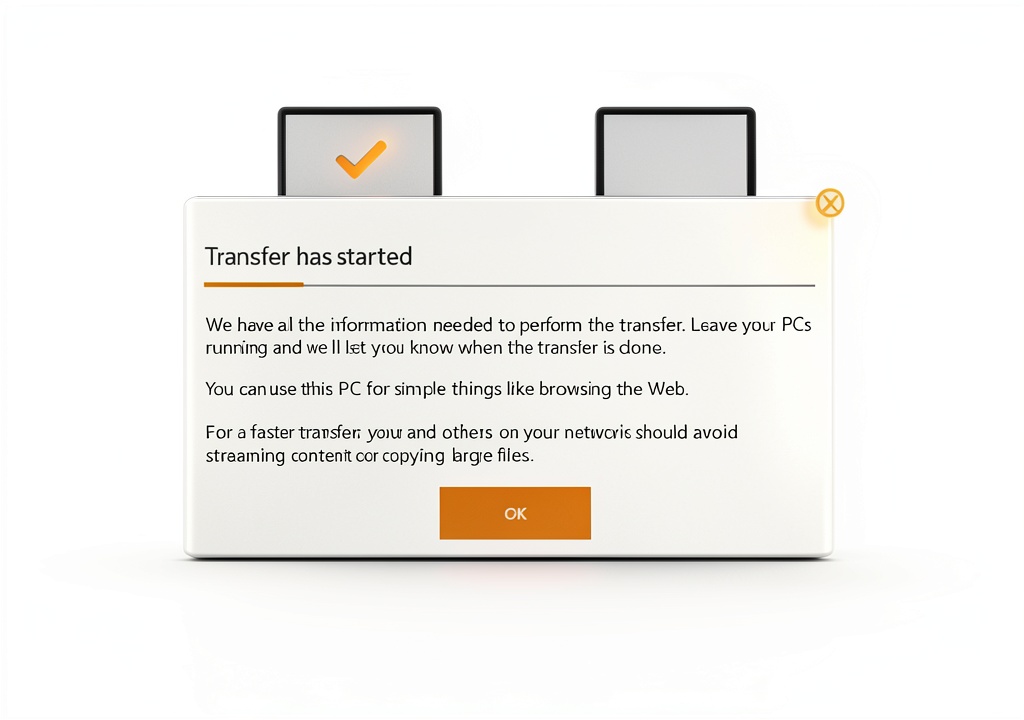
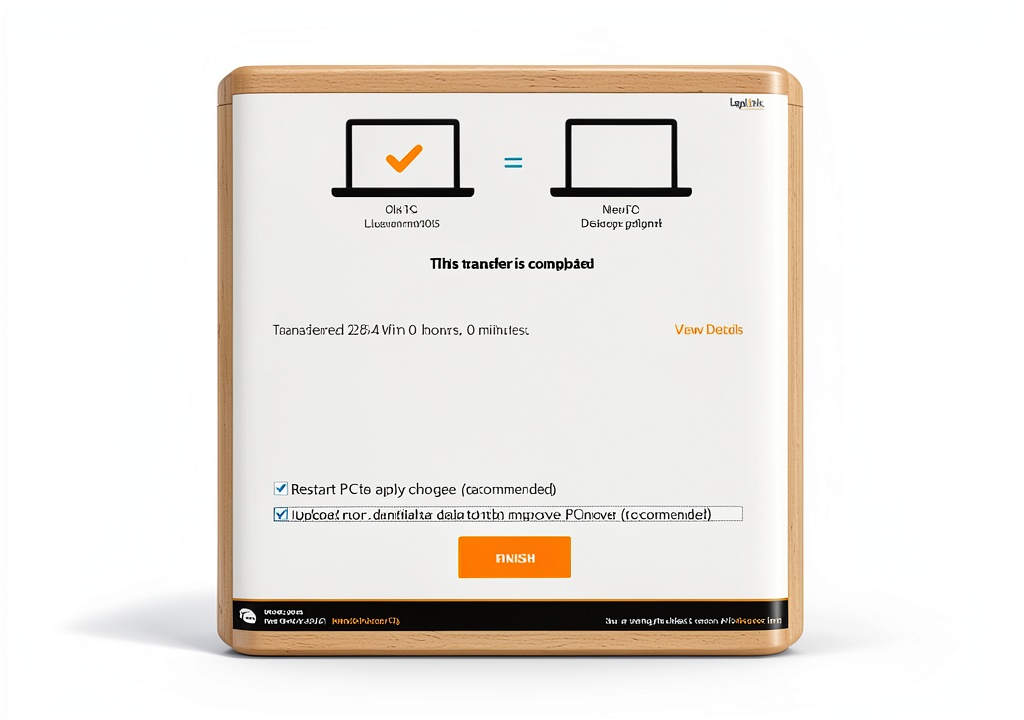
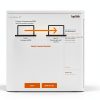
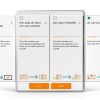
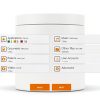
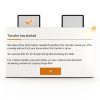
Typical usage scenarios include a family upgrading a home desktop after a hardware refresh, a remote worker setting up a new laptop for a home office, or a small business owner consolidating multiple workstations into a single high‑performance machine. After installing PCmover Home 11 on both PCs, the user launches the intuitive wizard, selects the source computer, chooses the destination, and then checks the boxes for the specific applications, files, and settings they wish to migrate. The wizard also offers a preview of estimated transfer time based on current network conditions, allowing the user to schedule the migration during off‑peak hours if desired. Once the transfer begins, the software handles all data encryption, error checking, and verification steps, freeing the user to attend to other tasks while the migration proceeds in the background.
Why Choose Us
Laplink has been a trusted name in PC connectivity and data migration for over two decades, and PCmover Home 11 builds on that legacy with a focus on reliability, speed, and user‑centric design. The solution eliminates the need for manual re‑installation of software, which can be time‑consuming and error‑prone, especially when dealing with dozens of applications and complex license keys. By preserving registry entries, configuration files, and user preferences, the tool ensures that the new computer feels familiar from the moment the user logs in. Additionally, Laplink provides a dedicated support portal, detailed knowledge base articles, and responsive customer service that can assist with any migration challenges, offering peace of mind that the transition will be smooth and successful.
Key Features
- One‑click migration wizard that guides users through a complete transfer without technical expertise.
- Automatic discovery of both PCs using the fastest available connection method, whether wired or wireless.
- Selective transfer options let users move only the applications and files they need, saving time and storage.
- Preserves application licenses, settings, and user profiles to keep the new PC ready for immediate use.
- 24/7 customer support and detailed online resources ensure assistance whenever needed.
FAQ
Can PCmover Home 11 transfer software that requires activation?
Yes, the tool captures activation data and license information for most popular applications, allowing them to function on the new PC without re‑entering keys, provided the software’s licensing terms permit transfer.
What network speeds can I expect during migration?
Transfer speed depends on the connection type; a gigabit Ethernet link can move several gigabytes per minute, while Wi‑Fi typically achieves lower rates but still completes most home migrations within an hour.
Is my data encrypted during the transfer?
All data transmitted between the source and destination computers is encrypted using industry‑standard protocols, ensuring privacy and security throughout the migration process.
Do I need to purchase a separate license for each PC?
PCmover Home 11 is sold as a single‑use license that activates one migration from one source PC to one destination PC. If you need to move multiple computers, additional licenses are required.
What operating systems are supported?
The software supports Windows 10, Windows 11, and earlier Windows versions that are still within Microsoft’s support lifecycle, making it suitable for a broad range of home computers.

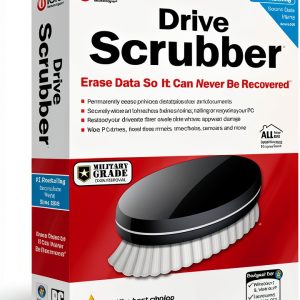 iolo DriveScrubber PC Maintenance Utility - Secure Eraser
Reviews
There are no reviews yet.