
Description
Product Overview
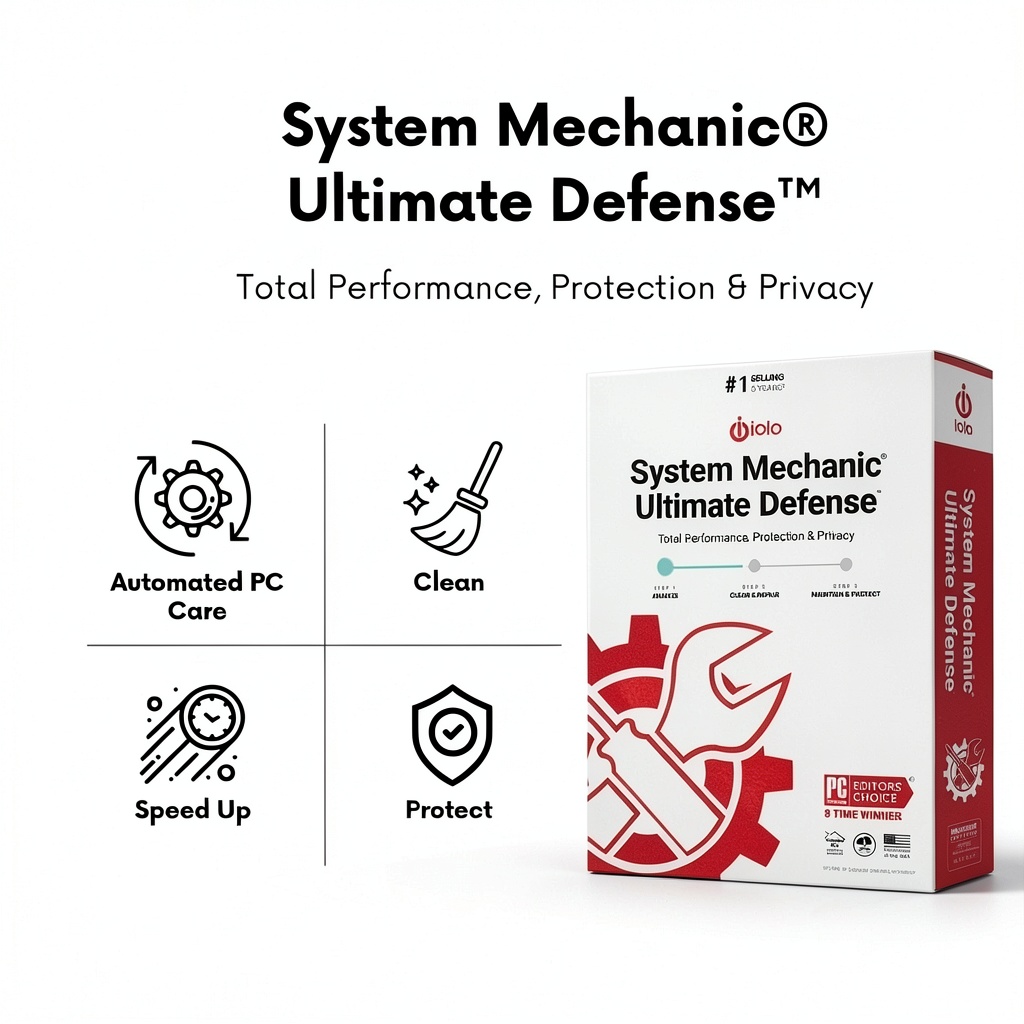
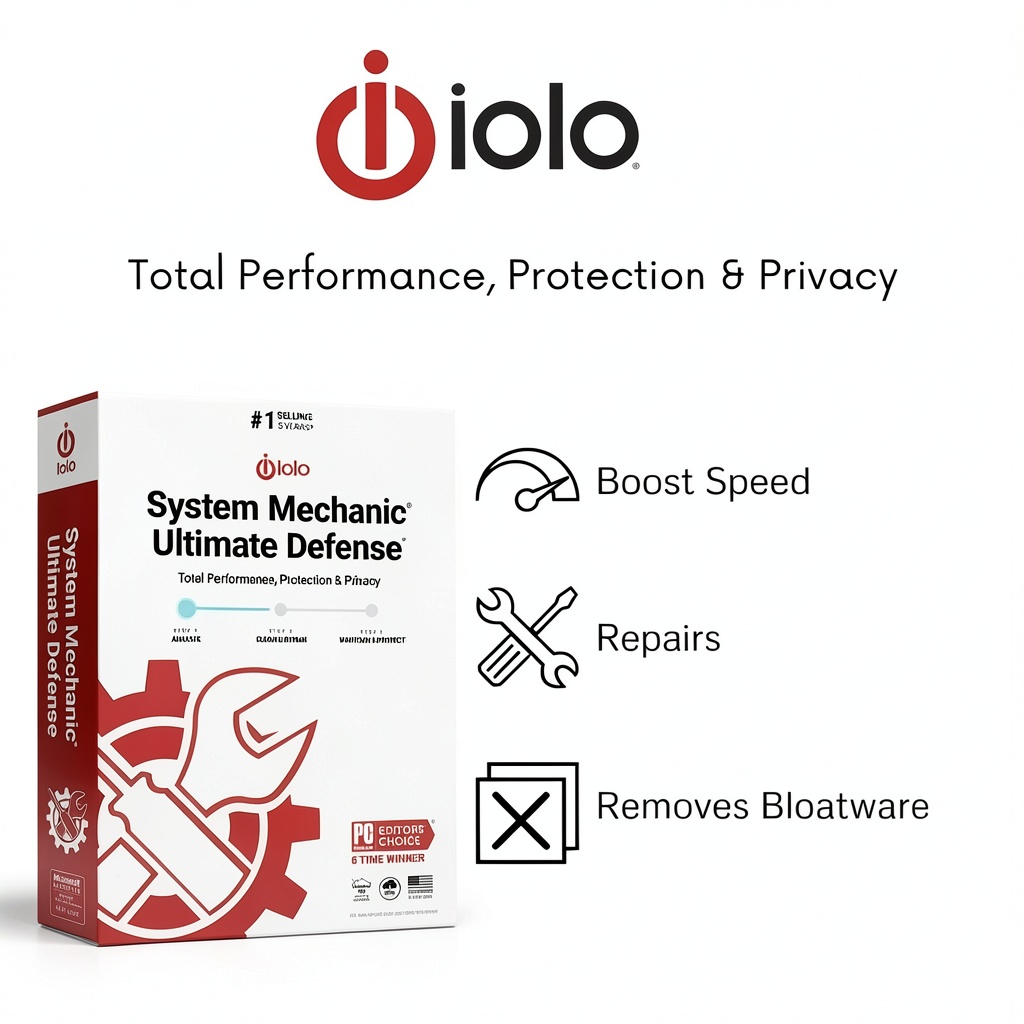
iolo’s System Mechanic Ultimate Defense is a comprehensive security and maintenance suite designed to keep Windows PCs running smoothly. The software integrates a VB100‑certified anti‑malware engine with a suite of automated repair tools that target more than 30,000 known issues. Its intelligent live‑update system pulls the latest definitions and repair scripts directly from iolo Labs, ensuring that the protection layer stays current against emerging threats while the maintenance module continuously optimizes system performance.
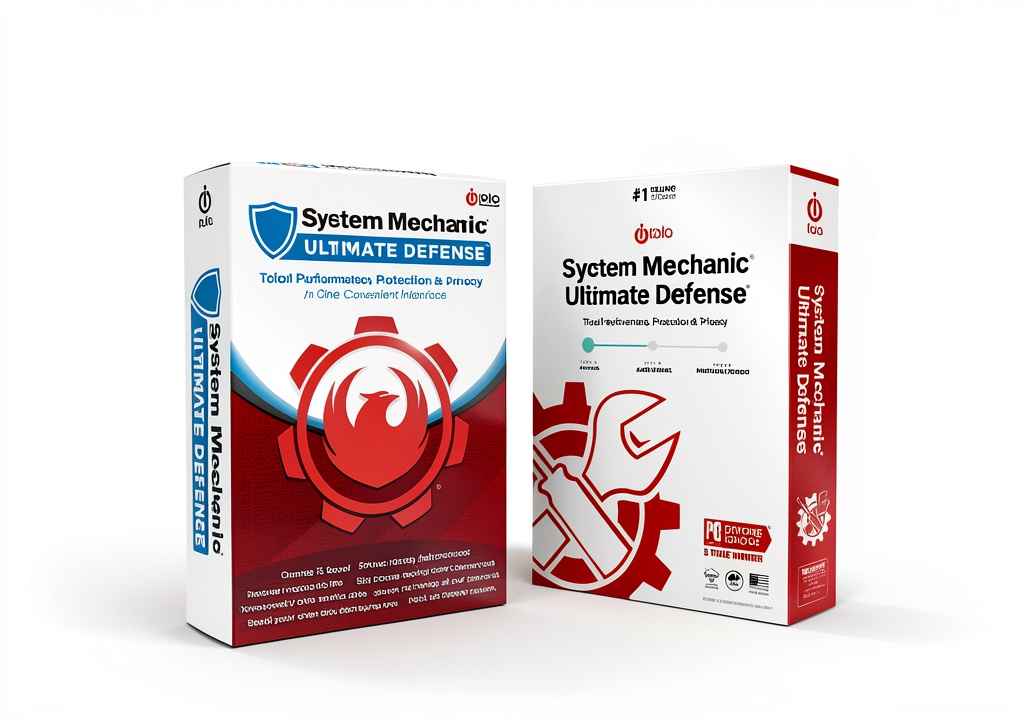
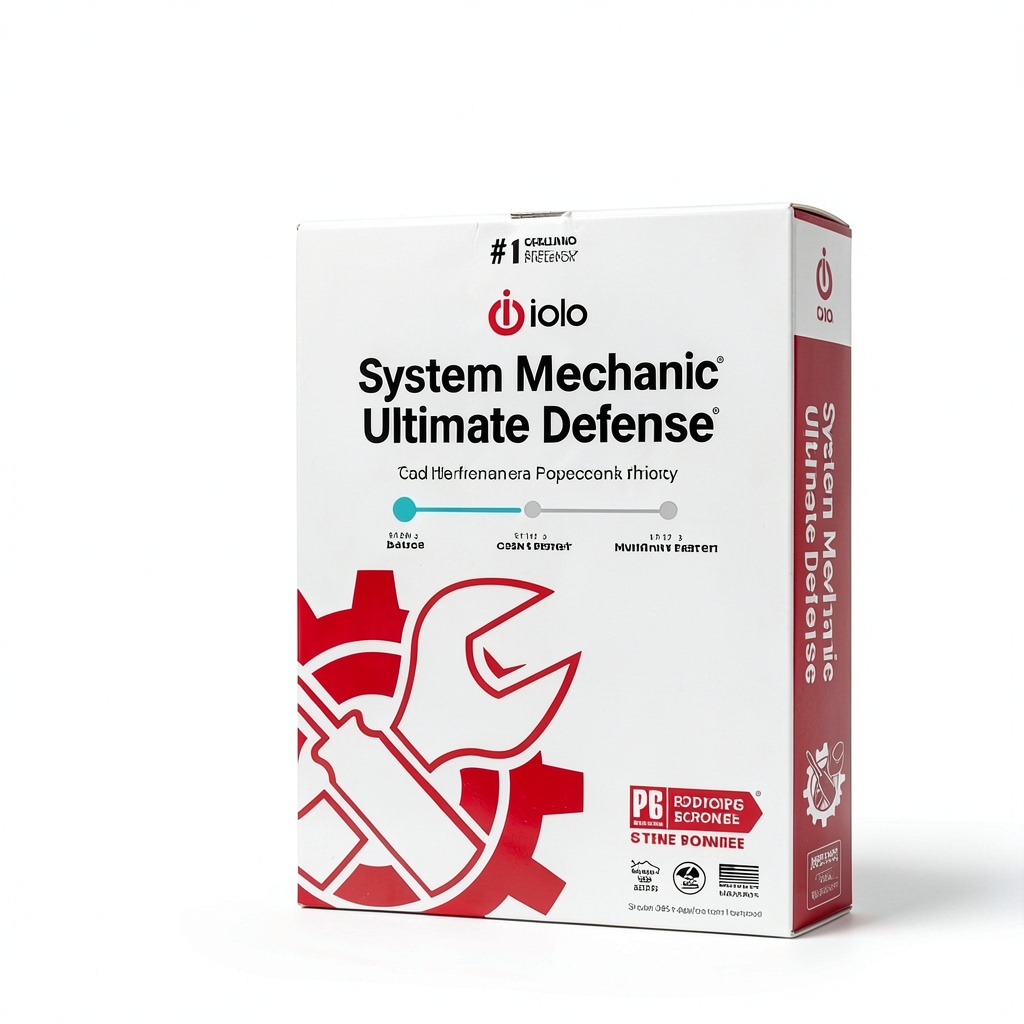
Physically, the product is delivered as a downloadable package, but the packaging details listed on the retailer page note dimensions of 7.5 × 5.25 × 1.25 inches and a weight of 1.76 ounces, reflecting the compact nature of the installation media. The model number s917245 identifies the specific release, first made available on January 25 2021. With an Amazon ASIN of B08TX5ZLBD, the software has earned a Best Sellers Rank of #365 in Software and #24 in PC Maintenance, indicating strong market acceptance.
Key components include the System Shield, which provides real‑time protection against viruses, ransomware, and other malicious code, and the System Mechanic engine, which performs deep scans to locate and fix registry errors, broken shortcuts, and fragmented files. The suite also features a privacy module that securely erases browsing history, cookies, and temporary internet files, reducing the risk of data leakage. Additionally, a data recovery tool can restore accidentally deleted documents, photos, emails, and even entire folders from a variety of storage media.
Performance benchmarks show that the software consumes minimal CPU and memory resources during idle monitoring, allowing users to continue their work without noticeable slowdowns. The user interface is organized into clearly labeled tabs, each offering one‑click optimization, repair, or protection actions. For advanced users, customizable scan schedules and exclusion lists provide granular control over the protection behavior.
Compatibility extends across all recent Windows versions, including Windows 10 and Windows 11, with support for both 32‑bit and 64‑bit architectures. The installation process guides users through a series of straightforward steps, and the software includes an automatic renewal system that keeps the license up to date without manual intervention. Customer reviews average 3.4 out of 5 stars, reflecting a balanced perception of its strengths and areas for improvement.
Overall, System Mechanic Ultimate Defense positions itself as an all‑in‑one solution for users who want to eliminate the need for multiple disparate utilities. By consolidating antivirus, anti‑malware, system repair, privacy cleaning, and data recovery into a single package, it simplifies the maintenance workflow and reduces overall software costs.
![[Product front view showing all components]](https://www.newhubs.store/wp-content/uploads/2026/07/86272b7c3a9c47c09f202eb6bc56385b.jpg)
Usage
The software is ideal for home users who experience frequent slowdowns, unexpected crashes, or intrusive pop‑up ads. After a quick installation, the program can be scheduled to run nightly scans, automatically repairing any detected issues while keeping the system shield active against new malware. For small businesses, the suite offers a centralized management console that allows IT administrators to deploy updates across multiple workstations, ensuring consistent protection without the overhead of separate endpoint solutions.
Typical usage scenarios include cleaning up after installing new applications, preparing a PC for a major software upgrade, or restoring files after accidental deletion. The privacy module is particularly useful for users who share computers or work in public spaces, as it removes traces of browsing activity that could be harvested by malicious actors. Because the tool operates with low system overhead, it can be left running continuously, providing real‑time defense without compromising productivity.
In environments where internet connectivity is limited or intermittent, the live‑update feature can be configured to download definitions during off‑peak hours, ensuring that the protection database remains current even on bandwidth‑constrained networks. The data recovery component supports external drives, USB flash drives, and memory cards, making it a versatile solution for photographers, students, and anyone who frequently moves data between devices.
For users who prefer a hands‑off approach, the “One‑Click Optimize” button initiates a full system scan, repairs detected problems, clears temporary files, and updates the security definitions in a single operation. This convenience makes the software suitable for less‑technical audiences who still demand robust protection and performance tuning.
Why Choose Us
iolo has a long‑standing reputation for delivering reliable PC utility software, and System Mechanic Ultimate Defense builds on that legacy with a modern, security‑focused architecture. The inclusion of a VB100‑certified anti‑malware engine provides an independent validation of its detection capabilities, giving users confidence that the product meets industry‑standard performance thresholds.
Unlike many competing suites that require separate purchases for antivirus, system cleaning, and data recovery, this product consolidates all essential functions into a single license. This not only simplifies budgeting but also reduces the risk of compatibility conflicts that can arise when multiple utilities vie for system resources. The integrated design ensures that each component works harmoniously, delivering a smoother user experience.
Customer support is backed by a dedicated help desk that offers phone, email, and live‑chat assistance. iolo also provides an extensive knowledge base, video tutorials, and community forums where users can share tips and troubleshoot common issues. The company’s commitment to continuous improvement is evident in the regular release of feature updates and security patches, which are delivered automatically to licensed users.
Quality assurance processes include rigorous internal testing across a wide range of hardware configurations and operating system versions. This thorough validation helps to minimize false positives and ensures that the repair tools do not inadvertently damage critical system files. The result is a stable, trustworthy solution that can be deployed in both personal and professional settings.
Key Features
- Automatic detection and repair of over 30,000 PC issues, keeping your system stable and error‑free.
- VB100‑certified anti‑malware engine provides real‑time protection against viruses, ransomware, and spyware.
- Securely wipes browsing history, cookies, and temporary files to protect your privacy.
- One‑click data recovery restores deleted documents, photos, emails, and folders from multiple storage devices.
- 24/7 customer support with live chat, phone assistance, and a comprehensive online knowledge base.
FAQ
How does System Mechanic Ultimate Defense differ from standard antivirus software?
While traditional antivirus programs focus primarily on detecting and removing malicious code, System Mechanic Ultimate Defense combines that capability with a full suite of PC maintenance tools. It not only blocks threats but also repairs system errors, optimizes performance, cleans privacy data, and recovers lost files, offering a holistic approach to computer health.
Can the software run on older Windows versions such as Windows 7?
Yes, the program is compatible with Windows 7, Windows 8, Windows 10, and Windows 11, supporting both 32‑bit and 64‑bit architectures. However, for the best performance and latest security updates, using a supported version like Windows 10 or Windows 11 is recommended.
Is the data recovery feature able to retrieve files from damaged hard drives?
The built‑in recovery tool can restore files from drives that are still readable, even if they have logical errors or corrupted file systems. For physically damaged drives, iolo recommends using specialized hardware recovery services, as the software cannot repair hardware failures.
What kind of support is available if I encounter issues during installation?
iolo provides multiple support channels, including a toll‑free phone line, live chat, and email assistance. Users can also access a detailed online knowledge base that contains step‑by‑step guides, video tutorials, and troubleshooting articles to resolve most common installation problems.
Does the software affect the performance of my PC while running scans?
System Mechanic Ultimate Defense is engineered to use minimal CPU and memory resources during background monitoring. Scans can be scheduled for off‑peak hours, and the real‑time protection component operates with a low footprint, ensuring that everyday tasks remain uninterrupted.
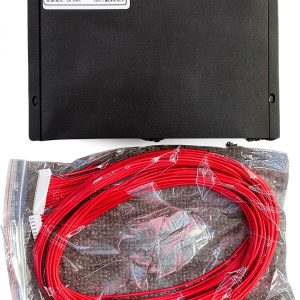 LDHJBNAC BMS Protective Board for RV Solar Panel UPS
Reviews
There are no reviews yet.