




Description
Product Overview
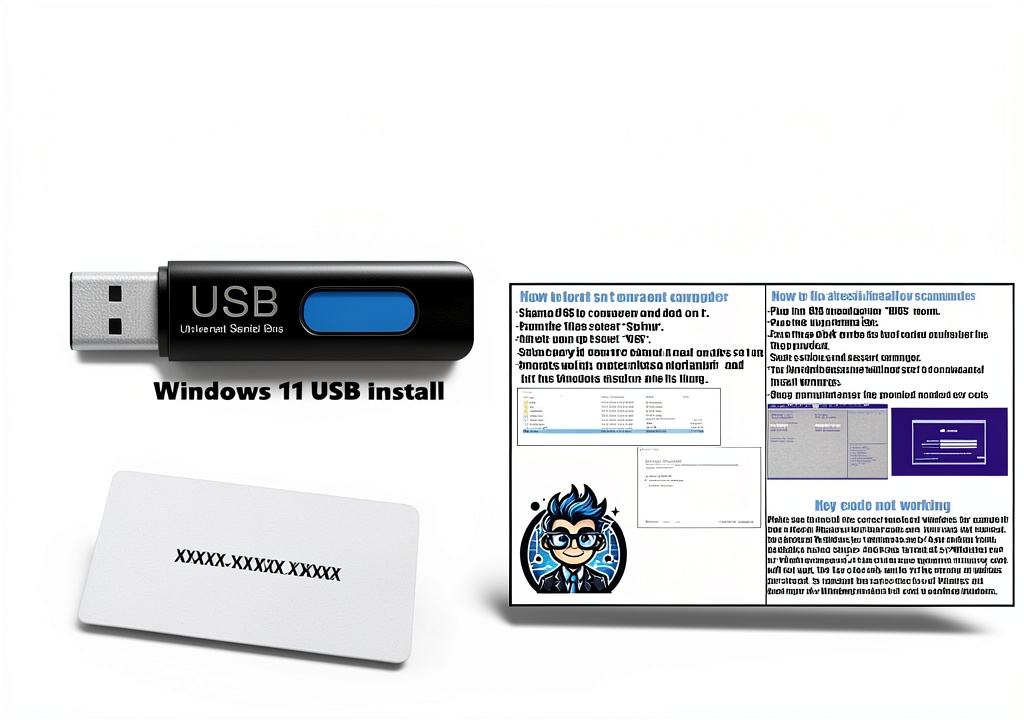
The USB Compatible with Windows 11 Pro Upgrade Tool is a compact, lightweight solution designed for both home users and IT professionals who need a reliable way to install, upgrade, or repair Windows 11 Pro. Packaged in a sturdy 12 × 9 × 0.25‑inch box weighing just 3.53 ounces, the kit includes a high‑quality USB flash drive pre‑loaded with the official Windows 11 Pro image, a unique license key, and a comprehensive printed guide. Manufactured by Micosoft, the tool adheres to the same security standards as the original Microsoft distribution, ensuring authenticity and compliance. The device is compatible with all modern PC hardware that supports USB boot, and it works seamlessly with both UEFI and legacy BIOS configurations. ![[Product front view showing all components]](https://www.newhubs.store/wp-content/uploads/2026/07/61853d0baf1a4be0a0cdd3c96c86074e.jpg)
Usage
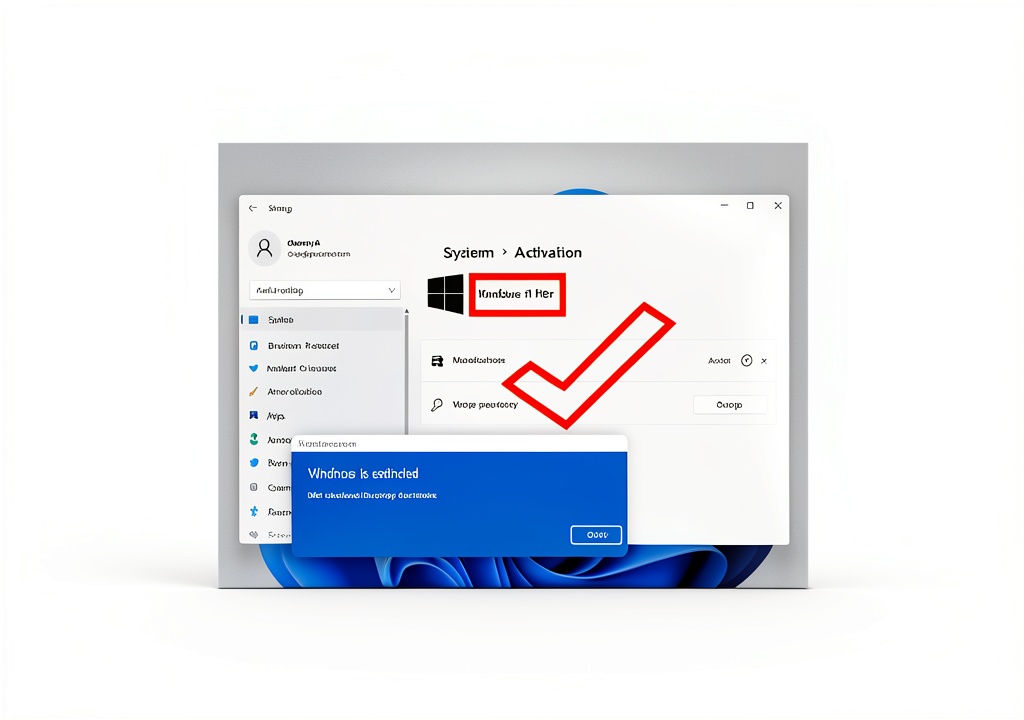
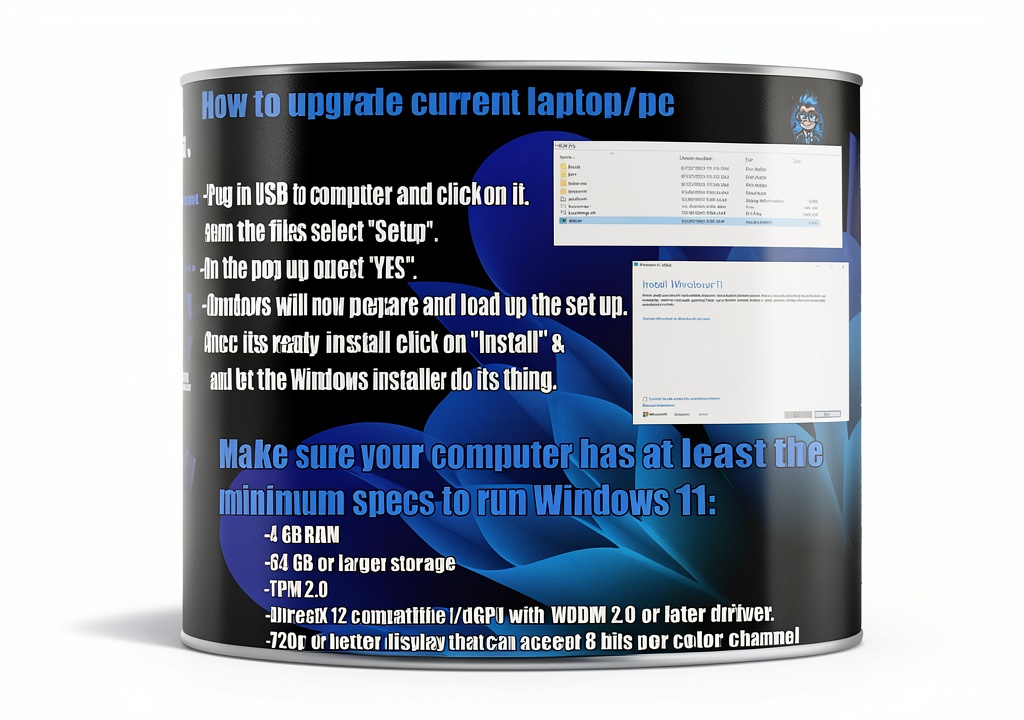
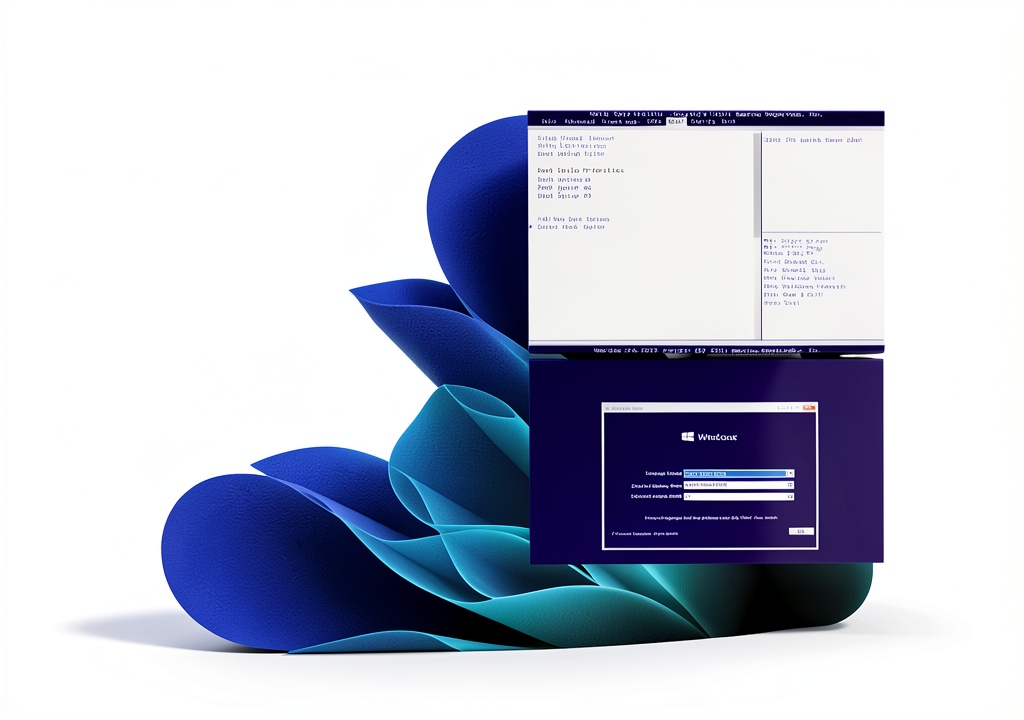
Designed for a variety of real‑world scenarios, this USB tool can be used to perform clean installations on brand‑new machines, upgrade existing Windows 10 installations to Windows 11 Pro, or recover systems that have become unbootable due to software corruption. Whether you are a small‑business owner deploying multiple workstations, a tech‑savvy gamer looking to refresh a gaming rig, or a student needing a reliable OS for coursework, the tool simplifies the process to a few clicks. Simply insert the USB drive, boot from it, enter the provided license key when prompted, and follow the intuitive on‑screen instructions. The included guide walks users through each step, from BIOS configuration to final activation, making it suitable for users with minimal technical background.
Why Choose Us
Choosing the Micosoft USB Upgrade Tool means selecting a product backed by a reputation for quality and a commitment to customer success. Unlike generic third‑party installers, this tool is sourced directly from the official Windows ecosystem, guaranteeing that every copy is genuine, fully licensed, and free from hidden malware. The kit also provides free professional technical support, a service rarely offered by competitors, ensuring that any questions or issues are resolved quickly by certified experts. In addition, the product’s high customer rating (4.3 out of 5 stars) reflects consistent satisfaction across a diverse user base. With a best‑seller rank in the top 350 of Software and #23 in PC Maintenance, the tool has proven its reliability and popularity among both casual and enterprise users.
Key Features
- Fast, one‑click installation of Windows 11 Pro on any compatible PC
- Includes a unique, pre‑generated license key to activate the OS instantly
- Step‑by‑step printed guide eliminates guesswork for beginners
- Free professional technical support ensures help is just a call or email away
- Compact, lightweight USB design for easy transport and on‑site deployment
FAQ
Can I use this USB tool on a laptop that already has Windows 10 installed?
Yes. The tool supports in‑place upgrades from Windows 10 to Windows 11 Pro, allowing you to keep your files and applications while moving to the newer operating system.
Do I need an internet connection during the installation?
No. All necessary files, drivers, and the license key are stored on the USB drive, so the entire process can be completed offline. An internet connection is only required if you wish to download updates after the installation.
What if my PC does not boot from USB?
Most modern PCs support USB boot by default. If your system does not, you can enable the option in the BIOS/UEFI settings. The included guide provides detailed instructions for accessing and modifying these settings.
Is the license key reusable on multiple computers?
The license key is intended for a single activation per purchase, in accordance with Microsoft’s licensing terms. For multiple installations, additional keys must be purchased.
How long does the installation typically take?
Installation time varies based on hardware performance, but most users complete the process within 20‑30 minutes from start to finish.

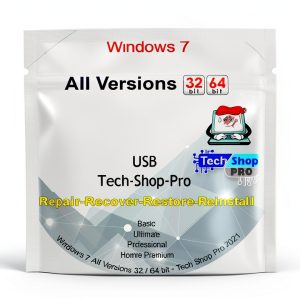 Windows Reinstall USB by Tech-Shop-pro PC Maintenance Tool
Reviews
There are no reviews yet.